A Step-by-step guide for starting a YouTube Channel
Step 1. Choosing a niche.
Choosing a niche is a very important step. You can’t just upload random content and expect people to follow you.
Consider choosing a niche you are passionate about. Something that is close to your heart, something you can talk about all day.
It could be video games, politics, science, finance, or crafts/DIY.
Once you choose a niche, create your YouTube channel, give it a unique name, and customise the logo and channel art to match it.
Step 2. Record the first video.
Take your phone or a camera and hit record. This is your first video; don’t expect it to be perfect. You might feel nervous and fumble while talking; that is completely normal.
When you are done with recording, edit and publish your first video.
Don’t focus too much on the thumbnail, audio quality, or editing quality.
This is your first video, not a masterpiece. It is a learning stage.
Step 3. Share on social media.
Your video will not magically get views; you will need to share it with like-minded people online. Don’t rely on YouTube’s mercy to push your video to the main feed; hustle and make your way.
Create a Notion page and list all the relevant subreddit that fits your niche.
Join those subreddits and engage with the audience before posting links to your YouTube videos.
Create accounts on Twitter (now x.com) and Instagram.
Consider sharing the same content on Instagram and Twitter. Build an audience on these platforms and funnel traffic to your YouTube channel.
Step 4. Learn SEO and Thumbnail design.
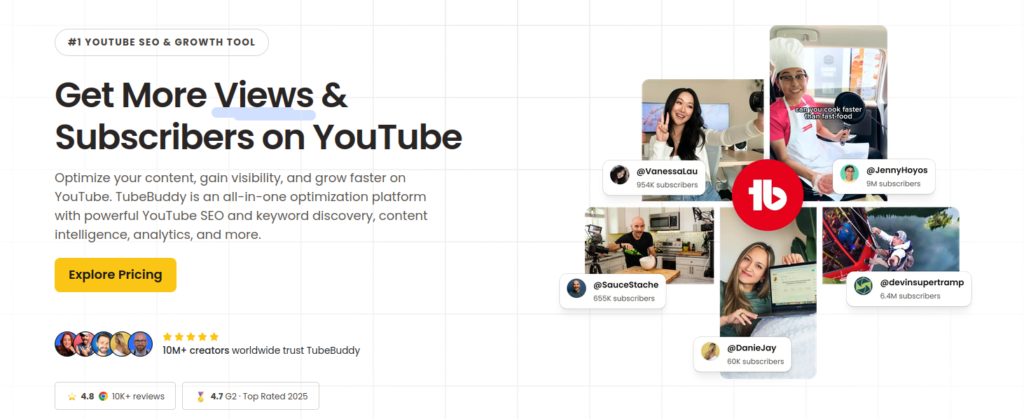
Tools like TubeBuddy will help you optimise your video listing so people who are searching can find your video on YouTube and Google.
There are tons of tutorials for TubeBuddy; go check them out, learn how to use its features and make the most of it.
SEO will help you get views consistently over time. You will need to do AB testing for titles and thumbnails, gather data and find what works best for you.
Data-driven decisions can snowball your growth and help you in the long run, instead of trying things randomly.
Step 5. Stop constantly looking at Analytics.
When people start a YouTube channel, they often spend their time staring at the analytics tab. Stop wasting time watching real-time subscriber metrics or video views; they won’t help you.
Instead, use your time to learn videography, editing, and collabing with other creators.
Step 6. Create a content calendar.
A content calendar will keep your upload schedule smooth.
Using Notion or Hootsuite, you can build a content calendar and track your progress.
Consistency is the key. I cannot emphasise this enough.
Step 7. Monetisation
After you meet the requirements for total watch hours and subscribers, you will be eligible for various options to monetise your channel.
Depending on your region, YouTube ads, Super Chats, memberships, and other monetisation opportunities will be available.
Earning Potential: I can’t give you an exact figure for how much you can earn by creating content on YouTube. Some creators earn £500 to £1000 a month, while top creators average £10000 a month. There is absolutely no limit on how much you can earn as a creator on YouTube.
Wrapping up
I hope you understand the steps to start and run a successful YouTube channel.
As you hit the record button for making the first video, the fear trap may take hold of you; be not embarrassed, don’t try to be perfect, every great thing takes time and shit load of effort.
Don’t judge yourself; remember: hit record, edit and publish.
Leave a Reply